
The New QuasarUI: 100 Free Components, MCP and More
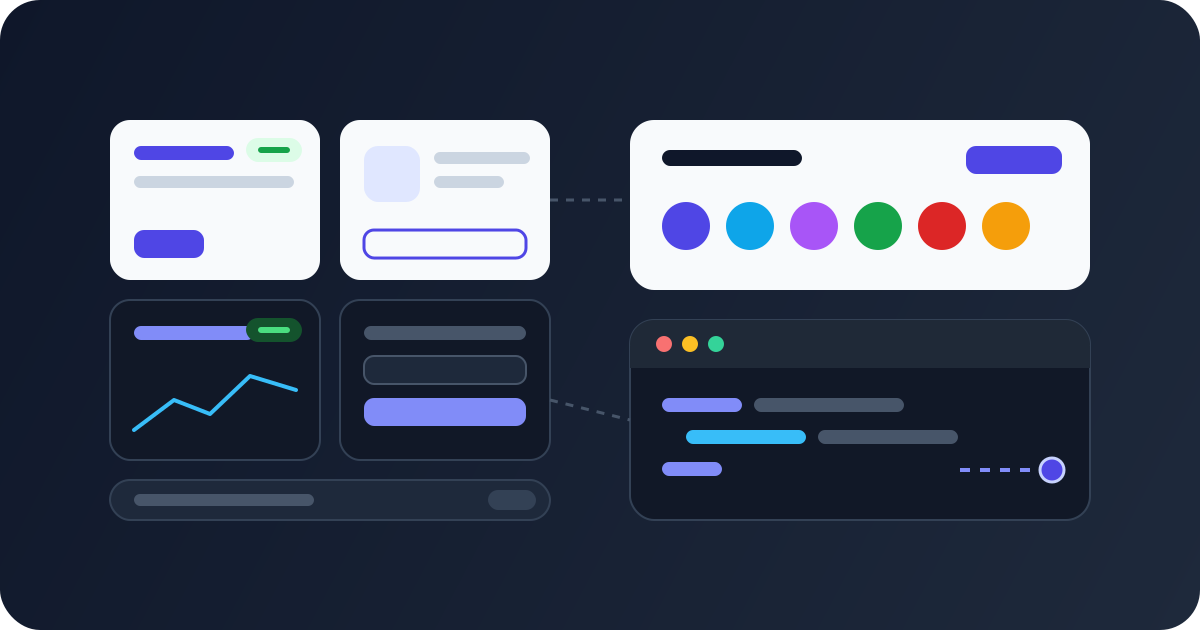
QuasarUI has been rebuilt from the ground up. There are more Components, a hundred of them are free to copy, your AI editor can fetch them, and the Theme Builder is new. Buying is simpler too: no account needed, one payment, lifetime access. This post covers everything that changed, first for people who use the site, then for developers who want to know what runs under it.
The short version
- 440 Components in 56 Blocks, and 100 of them are Free. Copy a Free Component without signing in.
- New Products: All Access, Blocks Pro and each Template on its own. Every one is a one-time payment with lifetime access.
- An MCP Server, so Cursor, Claude Code and other AI editors can find Components and paste their source.
- A new Theme Builder, and 10 Themeable Components whose previews switch between its presets.
- Guest checkout and new ways to sign in: a sign-in code by email, GitHub, Google, or email and password.
- Under the hood: a SQL database instead of MongoDB, Polar instead of Lemon Squeezy, the latest Nuxt and Quasar, and a test suite.
440 Components, 100 of them Free
The catalogue is now one flat list of Blocks: Hero Sections, Pricing Sections, Data Tables, Sign-in and Registration, App Bars and so on. There are 56 Blocks holding 440 Components. The old split into three Categories, each sold separately, is gone.
Before, almost nothing was free. Now 100 Components are Free, and nearly every Block page has at least one. A Free Component is free all the way:
- You can copy its full source without signing in. One click on the copy button and it's on your clipboard.
- You can paste it into any Quasar project. Each Component is a single Vue file built with Quasar 2 and
<script setup>. - Your AI editor can fetch it through the MCP Server with no key (more on that below).
Every Component is marked Free or Paid, so you are never surprised by a lock. Paid Components still show their live preview to everyone. Their code tab tells you what unlocks them.
The new Theme Builder
The Theme Builder is new. It's a port of the Nuxt UI Theme Studio to Quasar, and it stays free.
- Start from one of 12 presets, such as Cobalt, Crimson, Mono or Carbon.
- Change the colors, fonts, radius, icon set (12 to choose from) and the default look of Quasar components.
- Design both a light and a dark theme, with undo and redo.
- Preview the theme on three pages: Components, a Dashboard and a Landing page.
- Export it for Quasar CLI or for Nuxt: a
quasar-theme.cssfile,quasar.variables.scssand the config to merge. A share link brings the same theme back later.
The custom Quasar theme guide walks through theming by hand and then through the export, step by step.
10 Themeable Components
Ten new Paid Components restyle themselves from a Theme Builder theme. Their preview has a picker for the 12 presets and a light and dark switch, so you can see a Component in your style before you copy it. Each one carries a Themeable tag on its Block page, and searching "themeable" lists them all.
Six are marketing sections:
- Hero section
- Pricing section, with a monthly and yearly toggle
- Feature grid
- Stats section
- Testimonial section
- CTA section
Four are app pieces:
- Sign-in form, a split screen with social buttons
- Dashboard stat cards, with sparklines and goals
- App bar, with a workspace chip, search and tabs
- Footer, with a newsletter box and link columns
Their source reads the CSS variables the Theme Builder exports. Pasted on its own, a Themeable Component won't look themed: export your theme's quasar-theme.css from the Theme Builder too.
The MCP Server and Access Keys
AI editors are how many of us pull in UI code now, and they tend to guess at Quasar markup. The QuasarUI MCP Server gives them real Components instead. Your editor can list the Blocks, search Components by what they are ("a pricing table with a toggle", "login", "navbar"), fetch a Component's source and read a setup guide.
- Without a key, it returns every Free Component. No account needed.
- With an Access Key, it returns Paid Components too, if your account holds All Access or Blocks Pro.
You create Access Keys on your dashboard. Each key has a name, is shown only once, and comes with a ready setup for Claude Code, Claude Desktop and Cursor. You can see when each key was last used and revoke it at any time.
The MCP post covers the setup for each editor, prompts to try, and Quasar's own docs server, which works well alongside it.
Search and other improvements
- Search everything with Ctrl K (⌘ K on a Mac): Components, Blocks, Templates and pages, from any page.
- Filter Blocks by tag on the components page, such as Page Sections or Forms. Each Block shows how many Components it has.
- Resize previews to phone, tablet and desktop widths.
- Link to one Component. Every Component has its own anchor on its Block page, so you can share exactly the design you mean.
- Documentation covers getting started, using a Component, theming, Templates, the MCP Server and licensing.
New Products, with lifetime access
There are now three kinds of Product. Every one is a single payment, with lifetime access that includes what is added later.
- All Access unlocks every Paid Component, Paid Components in your AI editor through the MCP Server, and every Template, each in its own private GitHub repo.
- Blocks Pro unlocks every Paid Component and the MCP Server, without the Templates.
- Each Template can also be bought on its own. There are four admin dashboard Templates: Rambo, Avocado, Minimal Dashboard and Data Focused Dashboard. Each one lives in its own private GitHub repo, and buying one gives you access to that repo only.
Prices on the site are read from Polar, the checkout provider, so what you see is what you pay. The pricing page compares All Access and Blocks Pro.
Buy without an account
You don't need an account to buy. Enter your email, pay, and we create an account for you. You get an email that signs you in and lists what you bought. If that email already owns the Product, you are told before you pay, so you never pay twice.
Template buyers no longer wait for a repo link by hand. You get a GitHub invite to the Template's repo automatically, and your dashboard links to it.
New ways to sign in
- Sign-in code by email. One email carries a six-digit code and a sign-in link. Use whichever is handier.
- GitHub or Google. If the provider has verified your email, it signs you into your existing account rather than creating a second one.
- Email and password, with password reset by email.
The sign-in page marks the method you used last, so you don't create a duplicate account by picking the wrong one.
Under the hood
This part is for developers who like to know how a site is built. The rebuild was a fresh repo, porting what worked from the old site.
From MongoDB to SQL
The data moved from MongoDB to SQL: Turso (libSQL) in production and a plain SQLite file in local development, with Drizzle ORM on top. One libSQL database works on any host, so the site can move between Vercel and Cloudflare without moving data. Migrations are generated by drizzle-kit and applied with one command.
From Lemon Squeezy to Polar
Payments moved from Lemon Squeezy to Polar. The main reason is Template delivery: each Template is now its own private repo in a GitHub organisation, and Polar's GitHub benefit invites buyers to it automatically. Before, every Template lived in one shared repo and links went out by hand.
Our database decides access
Polar takes the payment, but it doesn't decide what you can see. Its webhook writes a Purchase to our own database, and the site and the MCP Server check access against those Purchases. That keeps access checks fast and means a page view never waits on Polar. It also let earlier buyers come across as plain Purchases, with full access from day one. The webhook is idempotent, so a repeated or replayed notification changes nothing, and a refund revokes access.
Paid source never reaches the browser
On the old site, the paywall was only visual: Paid Component source was shipped to the browser. Now every Component is one Vue file that is both the preview and the copyable source, and the raw source is available to server code only. It only leaves the server after an access check. A test builds the whole site and searches the public output, payloads and client chunks for a line from a Paid Component, and it must find nothing.
Latest Nuxt, Quasar and nuxt-quasar-ui
The site runs on Nuxt 4.6, Quasar 2.35 and nuxt-quasar-ui 3.1, with Nuxt Content 3 for the docs and this blog. The Nuxt and Quasar setup post shows how the two fit together.
Docs on Nuxt Content
We looked at Docus for the documentation. It is built on Nuxt UI and Tailwind, whose global CSS clashes with Quasar, so it would have needed a separate app. A docs site for a Quasar component library should be built with Quasar, so the documentation stays inside the main app, written in Markdown with Nuxt Content and rendered with Quasar components.
Tests
The new site is tested from the outside, the way a visitor, a buyer or an AI client sees it:
- HTTP tests boot the built site against a fresh SQLite database per test file. They cover access to Paid source for every kind of User, checkout, the Polar webhook, every sign-in method, Access Keys, every MCP tool with and without a key, redirects from old URLs and the titles of ranked pages.
- Only the edges are faked: Polar's API and outgoing email. Nothing inside our own code is mocked.
- A Playwright smoke suite drives a real browser through browsing, copying a Free Component, signing in and out, and creating an Access Key.
If you bought before
Your account and your Purchases came across to the new site. An old All Access purchase is All Access, a Category purchase is Blocks Pro, and a Template purchase is that Template.
Something may still not work the first time. If it doesn't:
- Sign in again. Your old password still works, or choose Email me a sign-in code.
- Connect GitHub again from your dashboard. If you hold a Template, your dashboard has a Connect GitHub on Polar button. Connect your GitHub account there to get access to the latest Template repos.
If anything is still missing, email us and we'll sort it out.
What is coming next
- More Components, including more Themeable ones.
- More Templates.
- Mobile app Templates.
Get started
Browse the Components and copy a Free one, open the Theme Builder and make your theme, or connect your editor to the MCP Server. When you want everything, get All Access.
Launch Offer: 50% off All Access and Blocks Pro for the first 50 buyers. Use code LAUNCH50 at checkout.